
Introduction
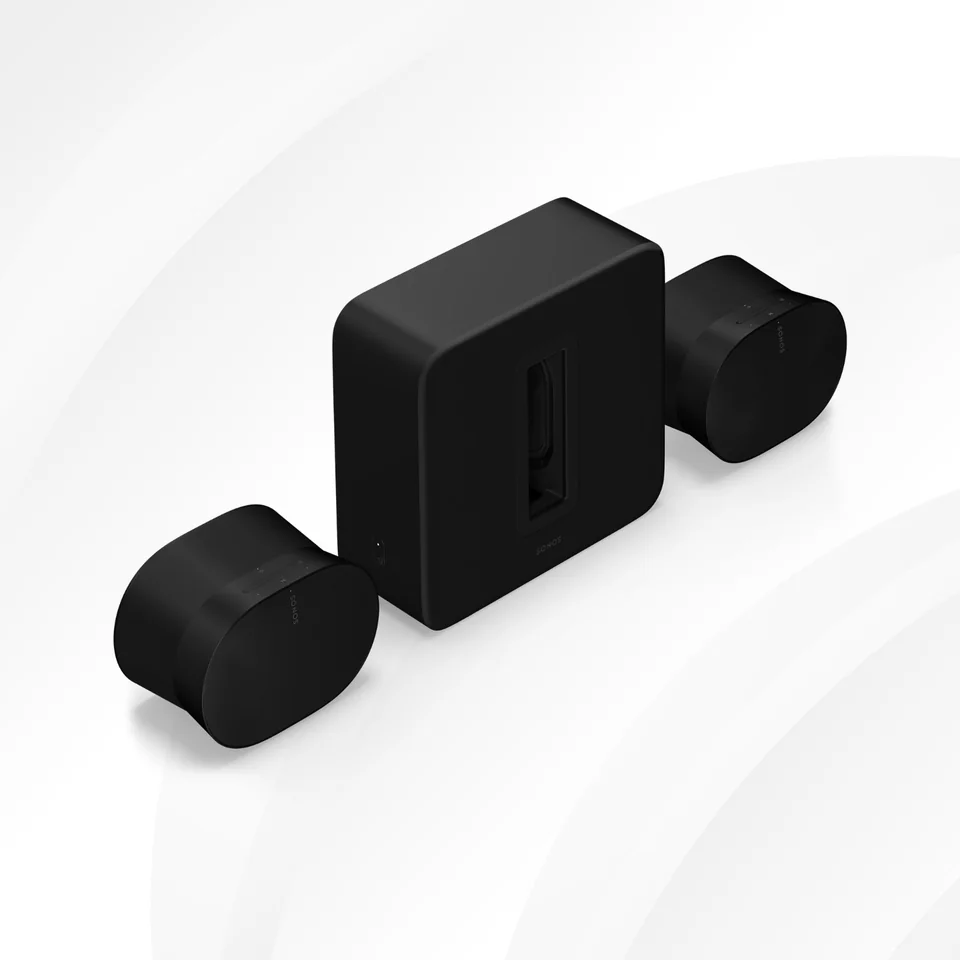
Both setups combine Arc Ultra for TV audio, Sub 4 for bass and two matching rear speakers. Choose Era 100 SL for the compact surround route, or Era 300 for its upward-firing design when your Atmos viewing and room suit it.
The Difference That Matters
Both use the same soundbar and subwoofer. Only the rear pair changes.
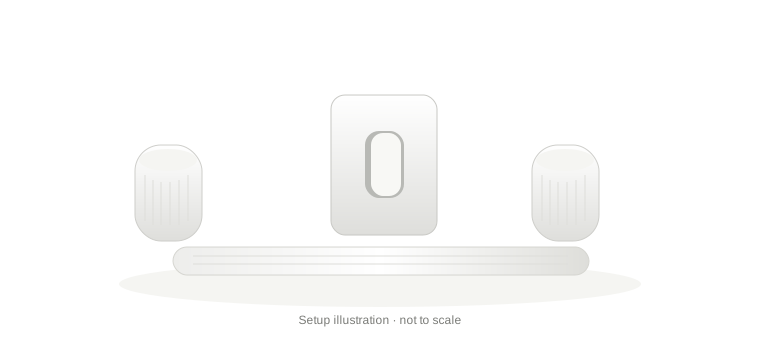
Compact surround setup
Separate rear surround channels with a smaller, microphone-free pair. A practical route when you do not need Era 300’s upward-firing design.
- Sonos Arc Ultra × 1
- Sonos Sub 4 × 1
- Sonos Era 100 SL × 2
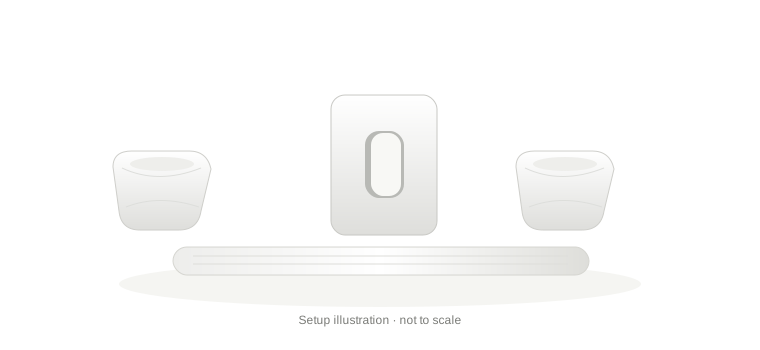
Atmos-focused surround setup
Upward-firing rear speakers for suitable Dolby Atmos content. Choose this route when you can give them open space around and above.
- Sonos Arc Ultra × 1
- Sonos Sub 4 × 1
- Sonos Era 300 × 2
Your Component List
The Era 100 SL and Era 300 pairs are alternatives. Choose one pair, not both.
| Product / quantity | About / why it matters | Amazon |
|---|---|---|
 Sonos Arc Ultra1 unit · white listing | Your main TV-audio component. Check the TV’s HDMI ARC/eARC connection. | |
 Sonos Sub 41 unit · white listing | Dedicated bass for either setup. Add later if the soundbar alone meets your needs for now. | |
 Sonos Era 100 SL2 units · link is for one white speaker | The compact rear pair. Order two matching Era 100 SLs; this is not Era 100 or One SL. | |
 Sonos Era 3002 units · link is for one white speaker | The alternative rear pair with upward-firing drivers. Allow about 20 cm at the sides and 61 cm overhead. |
 Check price
What makes these setups worth considering?
Start with a soundbar and expand later
Choose the rear pair that fits your room
Add dedicated bass when you want it
Connect surrounds wirelessly, with mains power for each unit
Manage the home theatre in one Sonos app
Which setup fits your home?
Choose Era 100 SL for the compact rear-speaker route. Consider Era 300 when Atmos viewing and placement justify the step up. You can build either system over time as your budget allows.
Start with Arc Ultra
Use the soundbar first. Find out what you actually want to add before committing to a full setup.
Add the next useful piece
Choose Sub 4 for dedicated bass, or a matching rear pair for surround channels. You do not need the Sub before adding surrounds.
Complete it when you are ready
Add the remaining component when your room and budget allow. Choose two Era 100 SLs OR two Era 300s, rather than buying both pairs.
Start with Arc Ultra
Use the soundbar first. Find out what you actually want to add before committing to a full setup.
Add the next useful piece
Choose Sub 4 for dedicated bass, or a matching rear pair for surround channels. You do not need the Sub before adding surrounds.
Complete it when you are ready
Add the remaining component when your room and budget allow. Choose two Era 100 SLs OR two Era 300s, rather than buying both pairs.
Common Questions
Can I add surrounds before a Sub?
Yes. Start with Arc Ultra, then choose a compatible rear pair or a Sub according to what you need next. A Sub is not required for adding surrounds.
Can I reuse older Sonos equipment?
Check exact models and generations in Sonos’s compatibility pages. These suggestions use the current app, not S1. Do not assume every older speaker or soundbar is compatible.
Do the Amazon surround links include a pair?
No. Each supplied Era 100 SL or Era 300 listing is for one speaker. Choose one model and order two matching units for surrounds. All four supplied links currently select white.
What should I check before buying?
TV + Atmos
Compatible ARC can carry Dolby Digital Plus Atmos; TrueHD Atmos needs eARC. Check your TV, source, content and plan. Optical cannot carry Atmos.
The right pair
Use two Era 100 SLs OR two Era 300s. Add them as surrounds in the soundbar room using the current Sonos app, not as grouped rooms or a stereo pair.
Surround-mode limits
Bluetooth, line-in and AirPlay are disabled on speakers assigned as surrounds.
Room + power
Every unit needs mains power and a compatible network/current Sonos app. Budget for stands or mounts where needed.
Indian support
Confirm seller, exact model, invoice, Indian warranty/service and returns. A retailer listing alone does not verify cover.
Where should I place the speakers?
Place Arc Ultra horizontally, with at least 10 cm between the soundbar and the TV above it. Do not enclose it in a cabinet.
Place a matching surround pair behind the seating. For Era 300, allow approximately 20 cm at the sides and 61 cm overhead; follow its official guide for ear-level placement and mounting. Keep Sub 4’s opening clear. Every component needs mains power.
As an Amazon Associate I earn from qualifying purchases. Dealsfy may also earn a commission through other affiliate links, at no extra cost to you. Learn more.